Make a square photo for an Indian visa.
Square · 600×600px · JPEG · ≤300 KB
Official documents use the original background.
One square file for both upload routes.
Add your photo, centre your whole head in the outline, then save. The editor keeps this preset square and under 300 KB.
- e-Visa
- JPEG, at least 10 KB and no more than 1 MB, with equal height and width.
- Regular online visa
- JPEG, 10 KB to 300 KB, square, from 350×350 up to 1000×1000 pixels.
- What PicMilo saves
- A 600×600 JPEG kept under 300 KB, so one file fits both stated limits.
- Source
- Indian Visa Online photo instructions for e-Visa and regular visa applications, checked 2026-10-14.
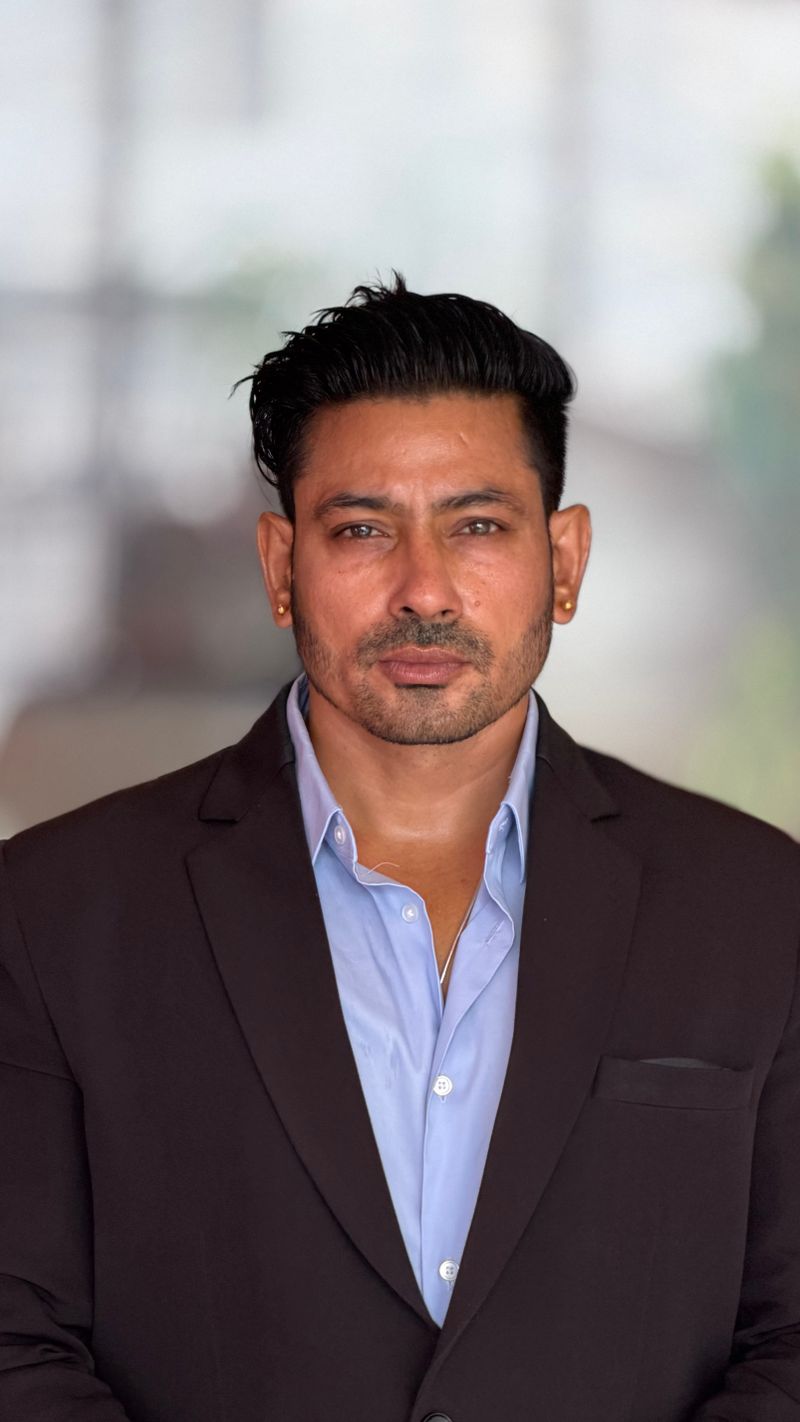
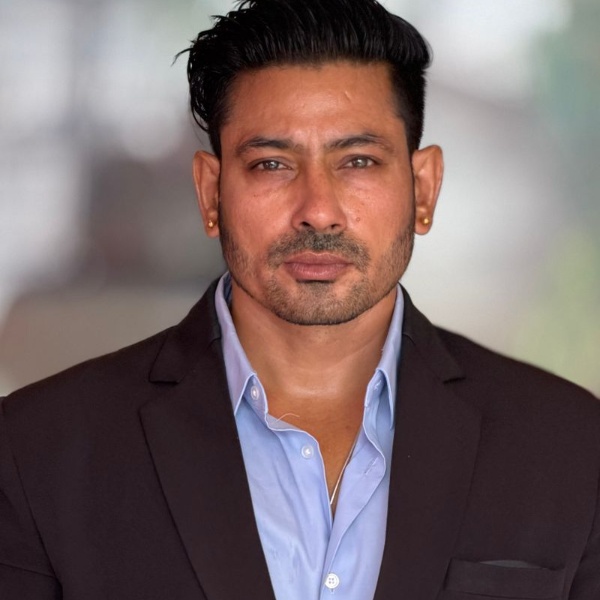
An editing example, not an approved visa photo.
What should the photo show?
A full face, front view with eyes open, the whole head from the top of the hair to the bottom of the chin, centred on a plain light-coloured or white background without shadows or borders. The e-Visa instructions also ask for no spectacles.
Is this the same as an Indian passport photo?
No. Indian passport applications made abroad use a different 630×810 portrait image. Choose India — Passport in the document menu for that route.
My upload was rejected. What should I check?
Upload the saved JPEG rather than a screenshot, and confirm it is square and within the size range for your route. If the rejection is about the background, shadows or glasses, a new photo is needed; cropping cannot fix it.
Does this guarantee my photo will be accepted?
No. PicMilo checks shape, pixels and file size only. The Indian authorities review the photo and may ask you to upload a new one.