Make a US visa photo for the DS-160.
Square · 600×600px · JPEG · ≤240 KB
Official documents use the original background.
Square, 600 pixels, under 240 KB.
Add your photo, line up your head with the outline, then check the size and file size in the preview. The editor never saves this preset above 240 KB.
- DS-160 upload
- Square JPEG between 600×600 and 1200×1200 pixels, in colour, 240 KB or less. PicMilo saves 600×600 pixels.
- DV Lottery entry
- The Diversity Visa entry asks for exactly 600×600 pixels, JPEG, 240 KB or less, so the same file size and shape apply.
- Compression
- The official limit is a compression ratio of 20:1 or less. At 600×600 pixels that is roughly 54 KB or more; PicMilo shows the saved size but does not certify the ratio or colour profile.
- Source
- U.S. Department of State visa photo and digital image requirements, checked 2026-10-14.
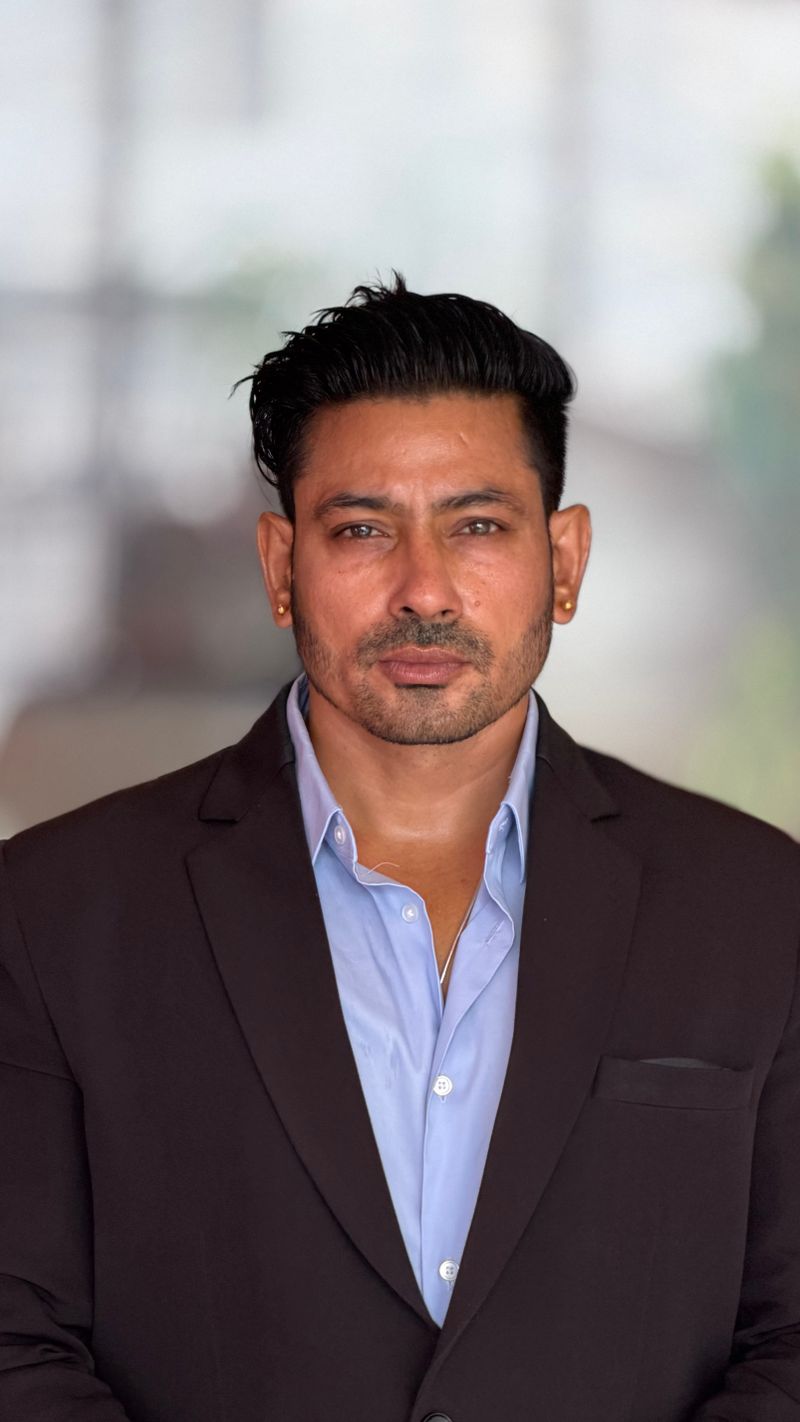
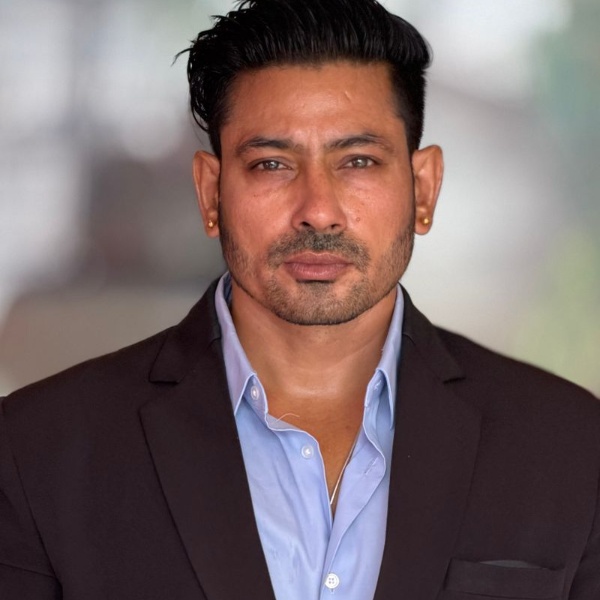
An editing example, not an approved visa photo.
Can I take the visa photo myself?
The Department of State recommends a professional service but allows you to take the photo yourself. The photo must not be digitally enhanced or altered to change your appearance, so this preset only crops, resizes and compresses. Background removal is turned off for it.
Why 600×600 instead of 1200×1200?
600×600 is inside the DS-160 range and is exactly what the DV Lottery entry asks for. It also fits under 240 KB without heavy compression. If the preview looks blocky, start from a sharper original rather than lowering the size limit.
Do I also need a printed photo?
Some embassies and consulates ask you to bring one printed 2×2 inch photo to the interview, and immigrant visa (DS-260) applicants bring two. For a print, use the 2×2 inch photo page and print at actual size.
Does this guarantee my photo will be accepted?
No. PicMilo checks shape, pixels and file size, not your expression, lighting, background, glasses or how recent the photo is. Review the official photo examples before you upload; the consular officer decides.